Forgot 99 Exchange Login Details? Here’s What to Do
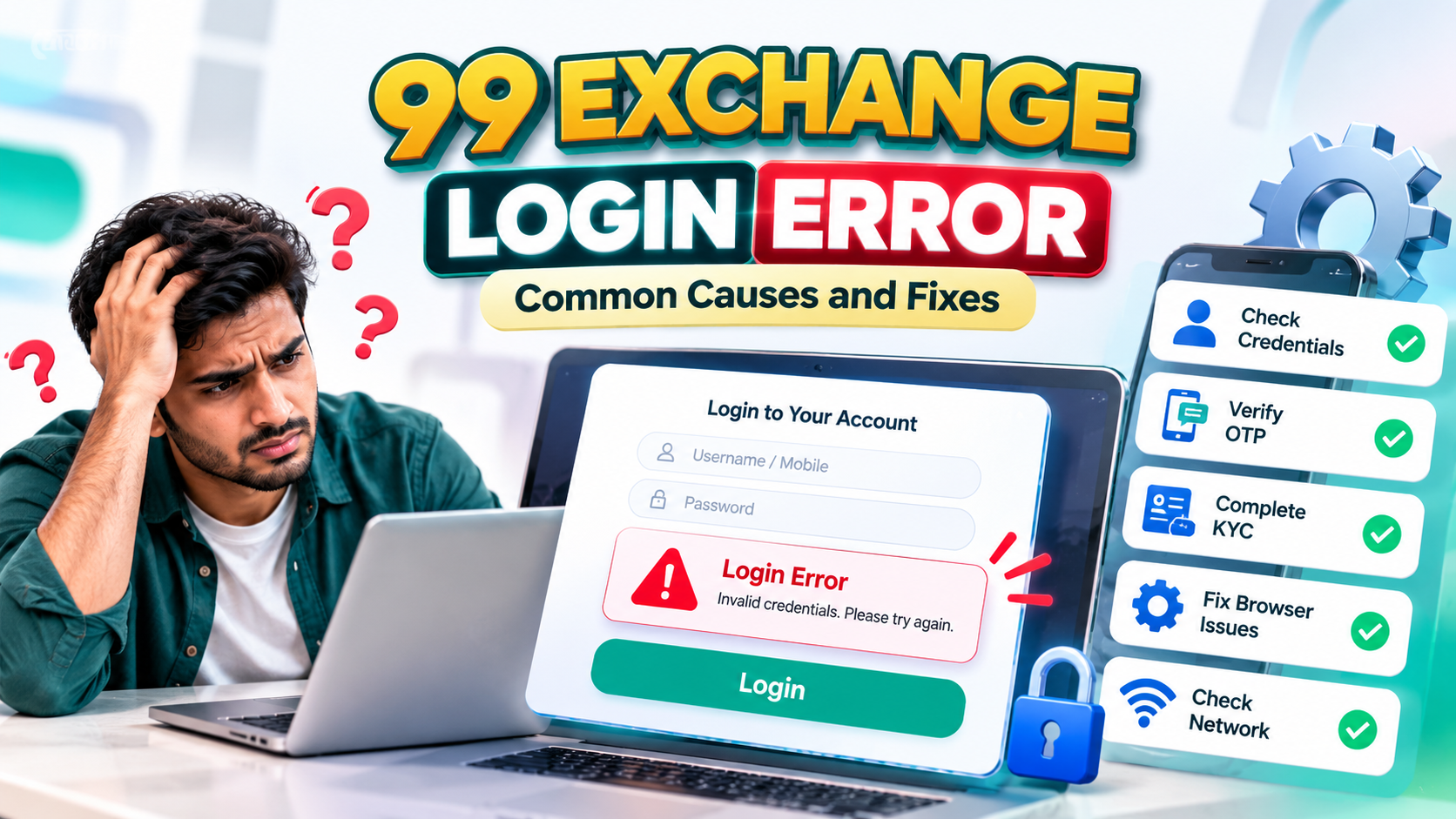
It happens to everyone. You open the app or website, type your username, and the password you were sure you remembered gets rejected. If you have forgotten your 99 Exchange login details, don’t panic and don’t start guessing. Repeated wrong attempts can lock your account, and desperate searches for a quick fix can lead you to scammers.
This guide explains how to recover your account safely, how to avoid the fake support traps that target people in exactly this situation, and how to keep your login credentials secure afterward.
Note: This article is for adults aged 18 and above. Online betting is restricted or prohibited in some Indian states and regions, so check the laws that apply to you before using any such platform.
Why People Get Locked Out
Before fixing the problem, it helps to know what usually causes it:
- Forgotten password: The most common cause, especially if you log in rarely or use many accounts.
- Wrong username or registered contact: Many people confuse their username with the email or phone number linked to the account.
- Too many failed attempts: Several wrong tries in a row can trigger a temporary lock.
- Old saved password: If you changed your password recently, your browser or app may still be filling in the old one.
- OTP problems: Weak network signal, SMS filters or a changed SIM can stop verification codes from arriving.
Identifying which of these applies to you saves time and avoids making things worse.
Step-by-Step: What to Do When You Forgot Your 99 Exchange Login Details
1. Stop guessing and check the basics
Make sure Caps Lock is off, and check whether you’re using the right username. Look in your password manager, notes or browser’s saved passwords. If you’ve already tried a few times, stop. Further attempts can lock your account for longer.
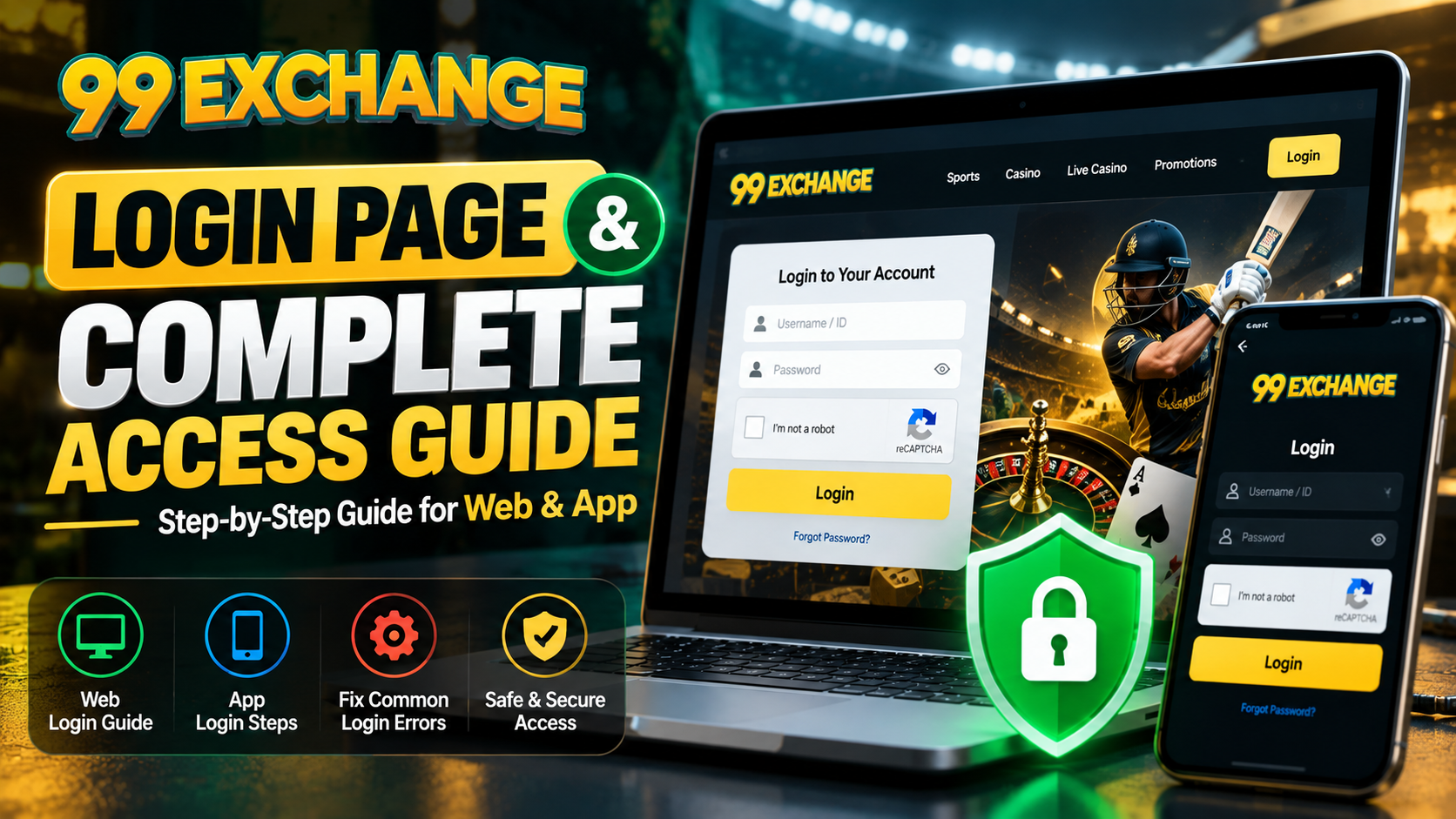
2. Use the official “Forgot Password” option
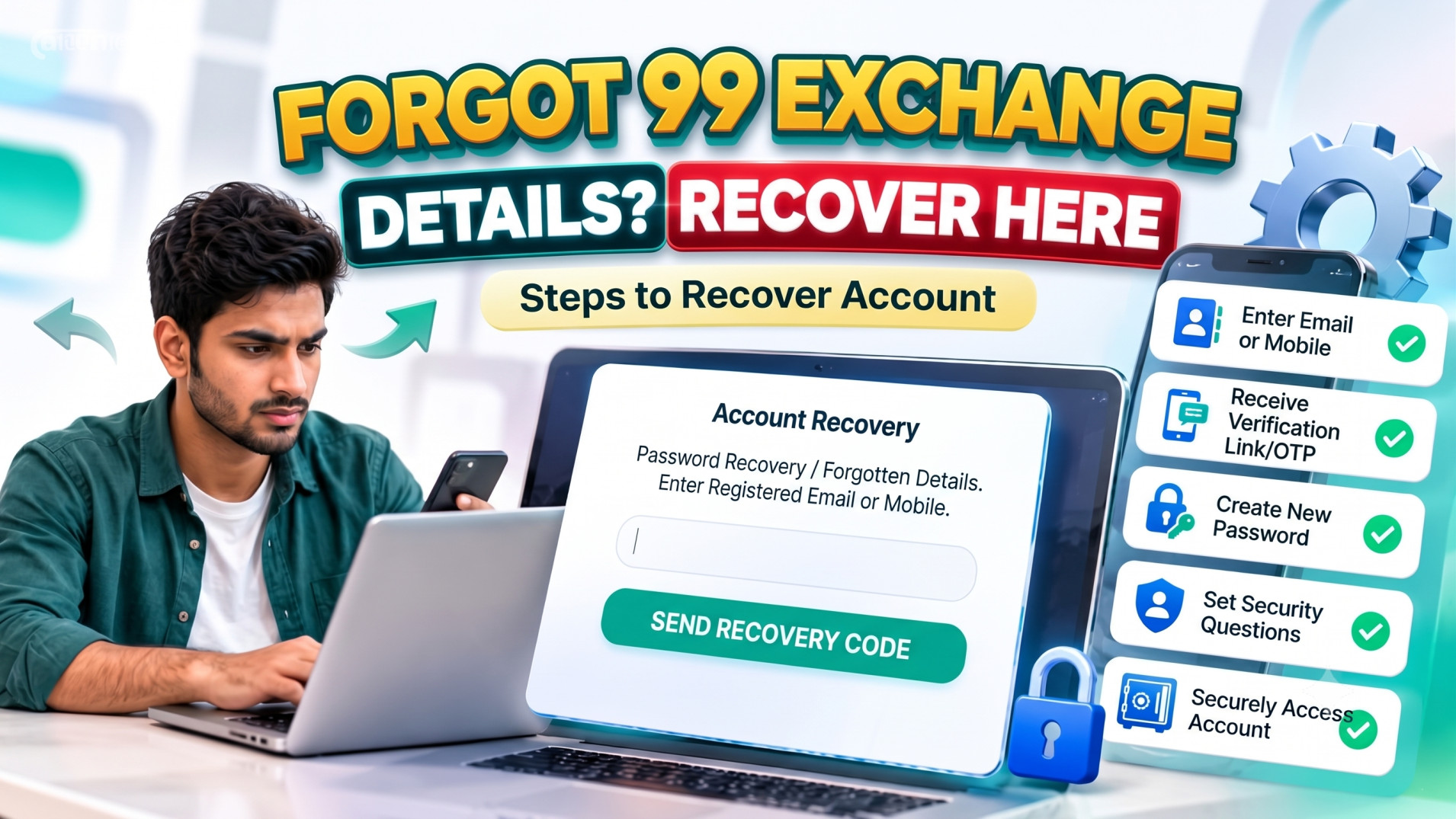
Most platforms place a “Forgot Password” link on the login page, usually below the password field. Open the platform only through its official website or app, never through a link sent to you in a message. Then follow the on-screen steps to verify your identity. This usually means entering your registered mobile number or email and confirming with a one-time password (OTP).
3. Set a new 99 Exchange password
Once verified, create a fresh password. A good password:
- Has at least 12 characters
- Mixes uppercase and lowercase letters, numbers and symbols
- Is not your name, birthday, phone number or anything easy to guess
- Is not reused from your email, banking or social media accounts
If you struggle to remember strong passwords, a reputable password manager can generate and store them for you.
4. Fix OTP problems if the code doesn’t arrive
If you’re stuck at verification, try these before requesting the code again and again:
- Check your phone signal and switch between Wi-Fi and mobile data
- Look in spam or promotions folders if the code goes to email
- Confirm that the number you’re entering is the one you registered with
- Wait a few minutes before requesting another code, since too many requests can delay delivery
5. Contact official support if self-service fails
If the reset doesn’t work, or you no longer have access to your registered number or email, the next step in 99 exch account recovery is the platform’s official support channel. Have these ready:
- Your username
- The registered mobile number or email
- Details that prove ownership, such as recent activity, as requested
Use only the support contact listed on the official site or inside the official app.
Beware of Fake Recovery Agents
People searching for how to recover account access are prime targets for fraud. Scammers set up look-alike websites, fake social media pages and messaging accounts that claim to be “customer care” or “account recovery experts”. Watch for these red flags:
- Anyone who asks for your password, OTP or PIN. Genuine support never needs your full login credentials.
- Requests for an upfront “recovery fee” or “verification payment”
- Pressure to act urgently or threats that your account will be closed
- Messages from unofficial numbers or unverified profiles
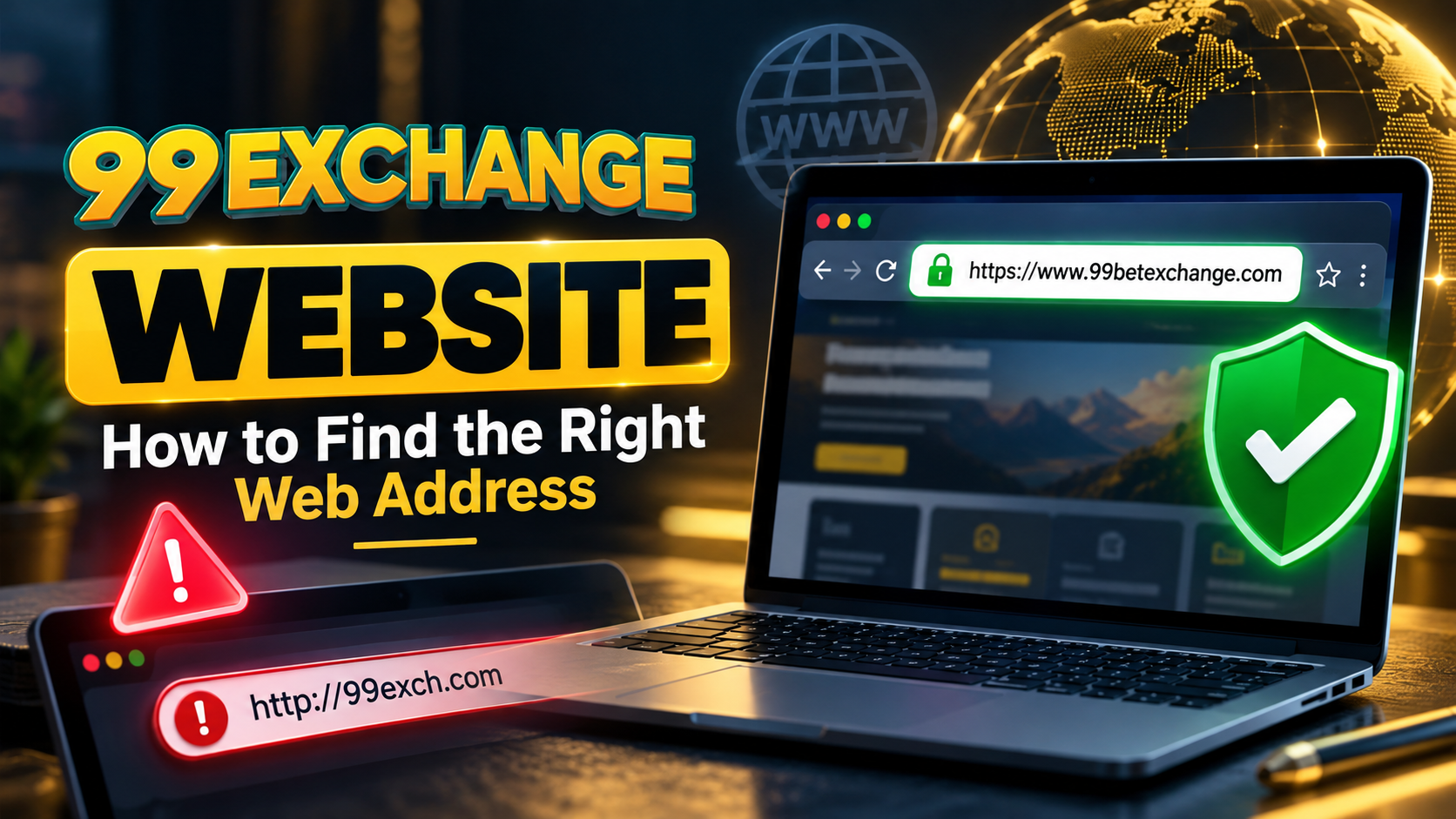
- Links that don’t match the platform’s official web address
If any of these appear, stop and leave the conversation. Never send money or codes to someone offering to recover your account.
How to Keep Your Login Credentials Safe
Once you’re back in, spend five minutes on protection so you don’t end up searching for “forgot login details” again.
Use a unique password. Reusing one password across sites means a breach elsewhere can expose this account too.
Turn on two-factor verification if available. Even if someone learns your password, they can’t log in without the second code.
Keep your registered details current. Make sure your phone number and email are active. Recovery depends on them.
Avoid public Wi-Fi. Open networks are easier to snoop on. If you must use one, don’t save passwords on the device.
Don’t share your account. Passing credentials to friends or “agents” is one of the fastest ways to lose control of an account.
Review your login activity. If you spot a session from a device or location you don’t recognize, change your password immediately and contact official support.
Log out on shared devices. Never tick “remember me” on a computer or phone that others use.
Quick Troubleshooting Table
| Problem | What to try |
| Password rejected | Use the Forgot Password option instead of guessing |
| Don’t remember username | Check your welcome message, saved notes or password manager |
| OTP not arriving | Check signal, spam folder and registered number; wait before retrying |
| Account temporarily locked | Wait for the lock period to end, then reset your password |
| No access to registered number | Contact official support with ownership details |
| App won’t load | Update the app, clear cache, or try the official website |
Frequently Asked Questions
What should I do first if I forgot my 99 Exchange login details?
Stop guessing, then use the official “Forgot Password” feature on the platform’s real website or app to verify yourself and set a new password.
Can someone recover my 99 Exchange password for me?
Only the official platform can legitimately help. Anyone else offering a recovery service, especially for a fee, should be treated as a scam risk.
Why isn’t my OTP arriving?
Common causes include poor network coverage, an incorrect registered number, SMS filtering or too many repeated requests. Wait a few minutes and try once more.
Is it safe to share my login credentials with support?
No. Never share your password or OTP with anyone, including people who claim to represent the platform. Official support can verify you without asking for those.
How can I avoid forgetting my password again?
Use a password manager, keep your registered contact details updated, and don’t change your password without recording it somewhere secure.
Get Back In Safely
Forgetting your login credentials is frustrating but fixable. Use the official reset process, protect your OTP, ignore anyone offering paid “recovery” services, and set up stronger security once you’re back in.
Locked out and still stuck? Use only the official support channel on the platform’s verified website or app, and never share your password or OTP with anyone.