99 Exchange safety and access guide
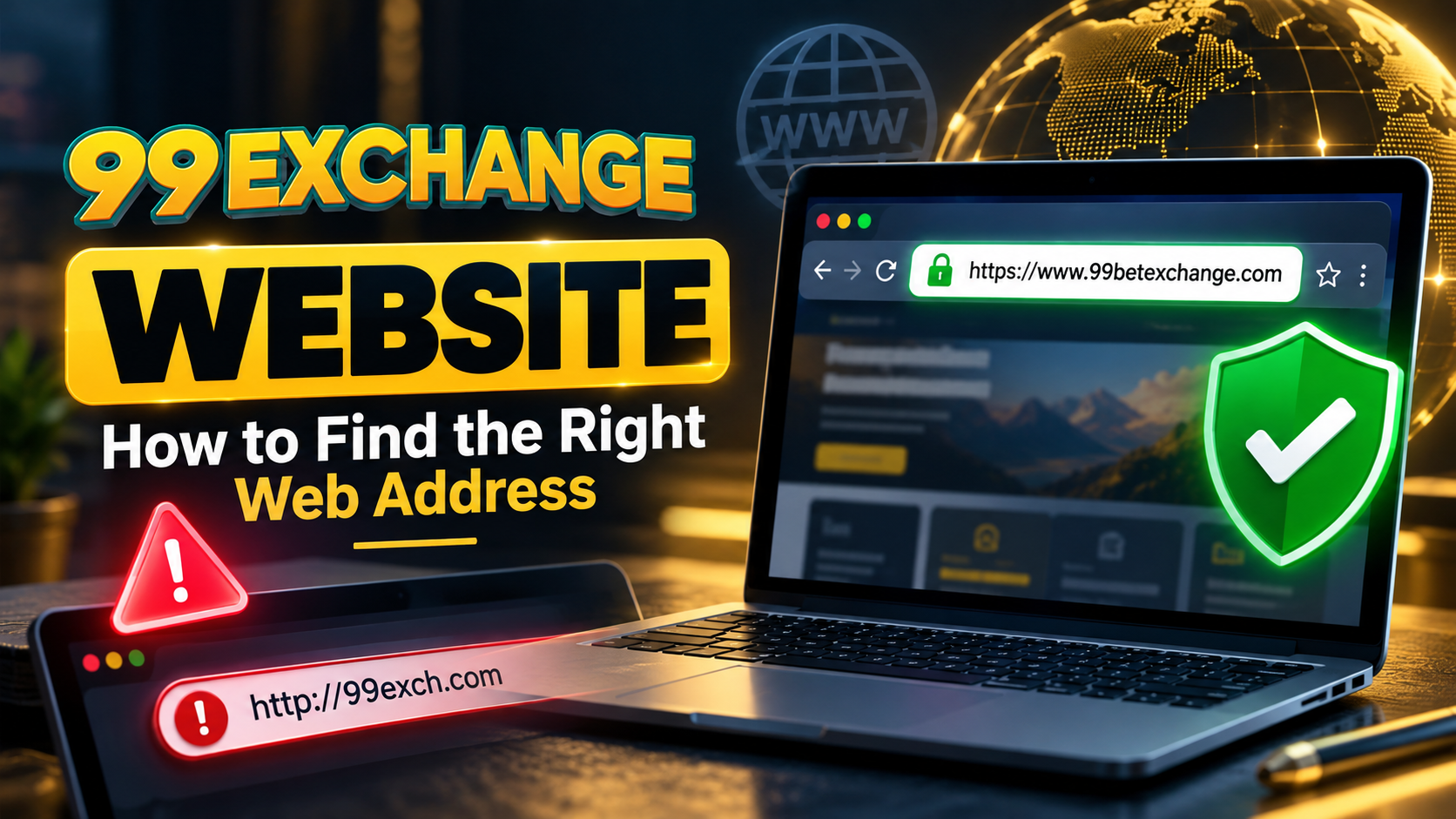
99 Exchange Website: How to Find the Right Web Address
A practical, safety-first guide to checking the 99 Exchange web address, finding the correct login route, and avoiding lookalike links.
By: 99 Exchange Editorial Team
Published: 25 September 2026
Last checked: 25 September 2026

Quick answer: Start with the 99 Exchange homepage. Before you sign in, check that the browser shows an https:// address and that the domain matches the destination you intended. Search phrases such as “99 exch website,” “99 exchange.com,” and “99exch.com” are not proof that a result is the right or current address.
Home › Website access guide
What is the 99 exchange website?
The 99 exchange website is the main web destination linked for 99 Exchange information and account access. It is the place to review the site’s current navigation, terms, support information, and login route before deciding whether to proceed.
A web address is more than the words in a page title or search result. A logo, a familiar name, or a message claiming to be from support cannot prove that a site is connected to 99 Exchange. The reliable starting point is the homepage link in this guide; then compare the address shown in your browser.
This guide is educational. It does not independently certify an operator, verify a gambling licence, guarantee account security, or promise betting returns.
How to find the right 99 exchange web address
Use this short process whenever a search result, message, or advertisement sends you to a new login page:
- Start from a trusted route. Use the 99 Exchange homepage link above or a link you already saved. Avoid opening a forwarded URL, shortened link, pop-up, or payment request as your first step.
- Read the full address bar. Check the protocol, domain, and any subdomain. Do not rely only on the favicon, page heading, logo, or the words after the domain.
- Navigate from the homepage. Look for familiar sections such as About Us, Contact Us, Responsible Gaming, and account access.
- Review the policies before registering. Read the current Terms and Conditions and Privacy Policy. A published policy is useful information, but it is not automatically independent proof of licensing.
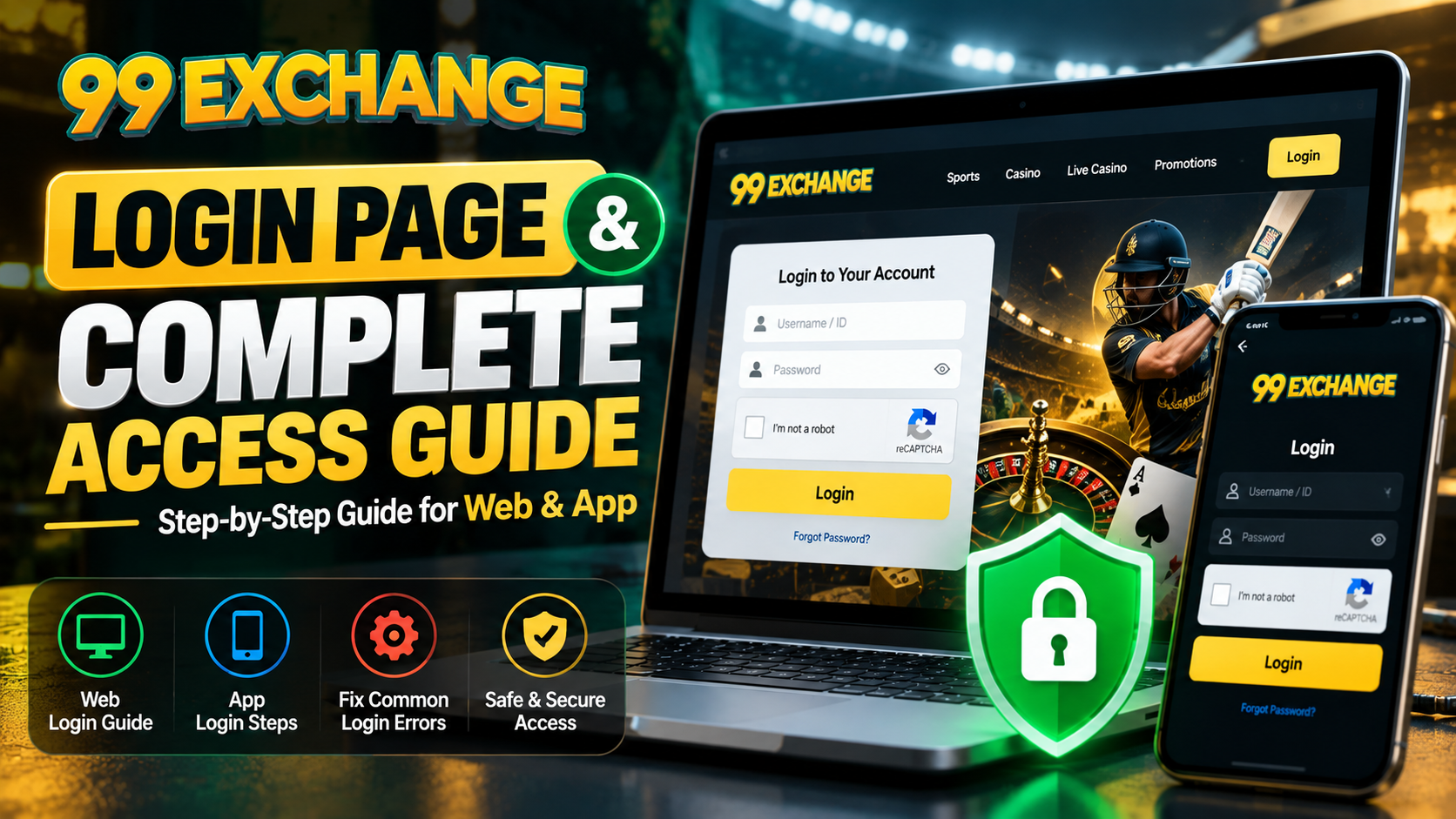
- Use the login page only when you are ready. The 99 Exchange login page should be reached from the site’s own navigation. Never enter an OTP, PIN, or password into a page opened from an unsolicited message.
- Recheck before paying. Confirm payment instructions in the current account or verified support channel. A new UPI ID, bank account, wallet address, or APK request should not be accepted solely because it arrived by message.
Important: A padlock indicates that the connection uses encryption; it does not prove that a betting operator is licensed, honest, solvent, or safe to send money to. Check the address, operator information, and independent evidence separately.
What to check after opening the address
Use the following checklist as a repeatable process. It is designed to reduce URL and impersonation risks, not to predict whether a betting outcome will be profitable.
| Check | What to look for | Why it matters |
|---|---|---|
| Address | An https:// connection and the exact main domain you intended to visit. | Lookalike domains, extra words, hyphens, or shortened links can send you to a different destination. |
| Navigation | Links to information, contact, privacy, terms, responsible-play, and login pages. | A genuine information site should make its policies and support route discoverable without relying on a private message. |
| Operator details | A clear description of the operator, applicable terms, complaint process, and any licence information relevant to your location. | Marketing language alone is not evidence of regulation. Verify claims independently where possible. |
| Login security | A login reached from the site navigation, with no request for a password, OTP, PIN, or remote-access permission. | Legitimate support should not need full login credentials to prove who you are. |
| Payments | Current instructions visible inside the verified account or confirmed through a support route linked from the site. | Payment addresses can be changed or spoofed. A message asking for an urgent transfer is a warning sign. |
| Mobile access | Only an app or download offered through the current site, with a verifiable publisher and no request to disable essential security controls. | Search ads, random APK files, and “customer support” remote-access tools can expose an account or device. |
You can also check the 99 Exchange blog for more information, but a related article is still not a substitute for checking the address you are about to use.
99 exch website, 99 exchange.com, and 99exch.com: what do they mean?
People may shorten the brand name when searching. “99 exch website” is a useful search phrase, while “99 exchange.com” and “99exch.com” can be typed in different ways by different users. A search phrase is not the same thing as a verified web address.
| Search phrase | Safe interpretation | What to do |
|---|---|---|
| 99 exchange website | A request for information about the 99 Exchange web destination. | Start from the homepage link in this article and inspect the browser address. |
| 99 exch website | A shortened way of referring to the same brand or a search request. | Do not assume that every result is connected to the brand. |
| 99 exchange.com | A query-style phrase that may contain a space and is not proof of a domain. | Use the exact destination shown after opening a trusted link; do not build a URL by guessing. |
| 99exch.com | A possible lookalike or alternate spelling, not automatically an official mirror. | Return to the known homepage unless the site itself clearly explains and verifies the relationship. |
Why similar addresses can be risky
Scammers can copy a familiar brand name, use a nearly identical spelling, add a support keyword, or send a shortened link that hides the final destination. They may create urgency by claiming that an account will be closed or that a deposit is “pending.” Slow down and verify the destination before entering any information.
If you are unsure about a result, close it and open the homepage yourself. Do not use a phone number, QR code, or payment request from the suspicious page as proof of identity.
How to use 99 Exchange web access safely
On a desktop
- Open the 99 Exchange homepage from a trusted bookmark or the link in this guide.
- Confirm the address in the browser and review the main navigation before selecting any account option.
- If you are legally eligible and have reviewed the current terms, navigate to the login page from the site.
- Use a unique password and complete only the security steps requested by the site. Do not share an OTP or PIN.
- After signing in, review the account balance, open orders, and transaction history before making any decision.
On a mobile device
The mobile browser can be a convenient route for 99 Exchange web access, but the device does not make an unverified link trustworthy. Check the address after the page loads and avoid entering credentials into a pop-up or a downloaded file sent by a stranger.
- Do not install an APK or profile from a search ad, group message, or unknown “support” contact.
- Do not disable security settings simply because a message tells you to do so.
- If the site offers an app, use only a link reached from the current website and verify the publisher and permissions.
- Use a trusted device and network, and sign out when you finish.
Remember: A 99 Exchange account ID is a login identifier, not a bank account, physical card, licence, or guarantee of winnings. For account terminology, see the site’s Betting Exchange ID guide.
Before you create or use a 99 Exchange ID
A betting or exchange ID is an account credential. Treat it with the same care as an email password. Before entering personal information, confirm that you are at least 18 or the applicable legal age, that online betting is permitted where you live, and that you understand the possible financial loss.
- Use a unique password that you do not reuse on another service.
- Never share a password, OTP, PIN, or remote-access request with support or another person.
- Do not create more than one account or allow another person to use your account.
- Check the market, commission, liability, and settlement rules before making any decision.
- Keep a record of deposits and withdrawals, and report an unfamiliar transaction promptly.
For the site’s own account-creation information, read the account ID guide. If the subject is unfamiliar, the Online Betting ID guide explains the general account concept. These are informational pages, not a recommendation to place a bet.
What to do if you opened the wrong address
If a link looks unfamiliar, stop before entering a password, personal document, UPI ID, bank detail, or payment. Do not try to “correct” a suspicious address by sending a support agent a password or payment.
- Close the page and do not continue the payment or registration flow.
- If you entered a password, change it from a trusted device and sign out of other sessions.
- Review account activity, saved payment methods, open orders, and transaction history.
- Contact the verified support route from the 99 Exchange contact page and describe what happened without sharing a full password.
- If money or personal information may be at risk, contact your bank or payment provider and use the relevant local reporting or consumer-protection channel.
The site also publishes guidance for login problems and blocked accounts. Reach those pages from the main site rather than from an unsolicited message.
How to assess trust and legitimacy
There is no single visual signal that proves a betting website is trustworthy. A professional design, a large user count, testimonials, a padlock, or a fast reply can all be copied or misunderstood. Use several independent signals instead.
1. Check operator and policy information
Review the About Us, Terms and Conditions, Privacy Policy, and Contact Us pages. Ask whether the operator is clearly identified, whether complaints and account closure processes are explained, and whether the claims make sense for your jurisdiction.
These are the site’s own statements. If a licence or legal permission matters to you, look for the applicable regulator or licensing register in your country or state and verify the claim there. If that information cannot be verified, do not assume that the service is regulated.
2. Check the destination independently
For an additional browser-level check, you can use Google’s Safe Browsing lookup and search the exact address you see in the browser. A clean result is one signal, not a substitute for checking the operator, terms, and payment process.
3. Protect the login boundary
A real support process should not require you to reveal a complete password, OTP, PIN, or remote access to your phone or computer. If someone asks for those items, stop and verify the route independently.
Eligibility and responsible use
Online betting and gaming rules vary by location and can change. Accessibility of a website does not mean that participation is legal. The site states an 18+ policy; readers must still check the legal age and local rules that apply to them.
Set a deposit limit, loss limit, and time limit before participating. Use only discretionary money, never borrow to bet, do not chase losses, and stop if betting causes stress or financial problems. The Responsible Gaming guidance includes limits, cooling-off options, and support information.
Risk reminder: No web address, betting ID, odds format, bonus, or market can guarantee winnings. Treat any activity as potentially lossy and make decisions only when it is legal and comfortable for you.
How this guide was checked
This article was prepared on 25 September 2026 by reviewing the site’s public navigation, account-access pages, policy pages, and responsible-play information. The author checked the destination of each internal link used here and separated what the site states from what can be independently verified.
The guide does not claim first-hand use of a betting account, a deposit, a withdrawal, a licensed market, or a customer-support interaction. Those activities were not used to make the recommendations. A future update should recheck the address, operator details, terms, payment instructions, and app links before publication.
Editorial limitation: A live website can change after this date. The article should not be treated as a substitute for current legal, financial, or security advice.
Frequently asked questions
What is the 99 exchange website?
It is the main web destination linked for 99 Exchange information and account access. Open the homepage link in this article, then check the browser address before entering any personal or payment details.
What is the 99 exch website address?
Use the current 99 Exchange homepage as the starting point. A shortened search phrase is not proof of an address, so compare the destination in the browser before signing in.
Are 99 exchange.com and 99exch.com the same address?
Do not assume so. They are search phrases or possible lookalike domains, not evidence of an official connection. Confirm the exact destination by starting from the 99 Exchange homepage link in this article.
How do I get 99 Exchange web access?
Start from the 99 Exchange homepage, review the site navigation, and use its login page only if you are legally eligible. Do not use a forwarded, shortened, or lookalike login link.
Does an HTTPS padlock prove that a betting website is safe?
No. HTTPS protects data in transit but does not prove that an operator is licensed, honest, or financially safe. Check the operator, terms, support process, and independent evidence as well.
Can I use a 99 Exchange link sent by a stranger?
It is safer not to. Close the message and start from the 99 Exchange homepage yourself. Never share a password, OTP, PIN, or remote access with a person who contacted you first.
What should I do if I opened the wrong address?
Stop entering information, close the page, and do not make a payment. If you entered credentials, change the password from a trusted device, revoke active sessions, review account activity, and contact the verified support channel.
Does the 99 exchange website guarantee winnings?
No. Betting involves financial risk, outcomes are uncertain, and no website, odds format, or account ID can guarantee a profit.
Related 99 Exchange guides
If you have confirmed the address and want to understand the product before making any decision, review these related pages:
- Beginner’s guide to 99 Exchange — terminology, exchange markets, and beginner risks.
- 99 Exchange basics and common questions — a concise overview of the service.
- Betting Exchange ID guide — account identifiers, back and lay concepts, and exposure.
- Online Betting ID guide — account access and security basics.
- Responsible Gaming guidance — limits, breaks, and support options.
Disclaimer: This article is for general educational purposes and is not betting, legal, financial, or cybersecurity advice. Online betting involves financial risk and may not be legal in every jurisdiction. Participation is limited to users who meet the applicable age requirement and local law. Never bet with essential funds, borrow money, share credentials, or chase losses. Verify current information on the site before acting.
Article maintenance: Update the publication date, internal links, policy references, and any address-related instructions whenever the site navigation changes.