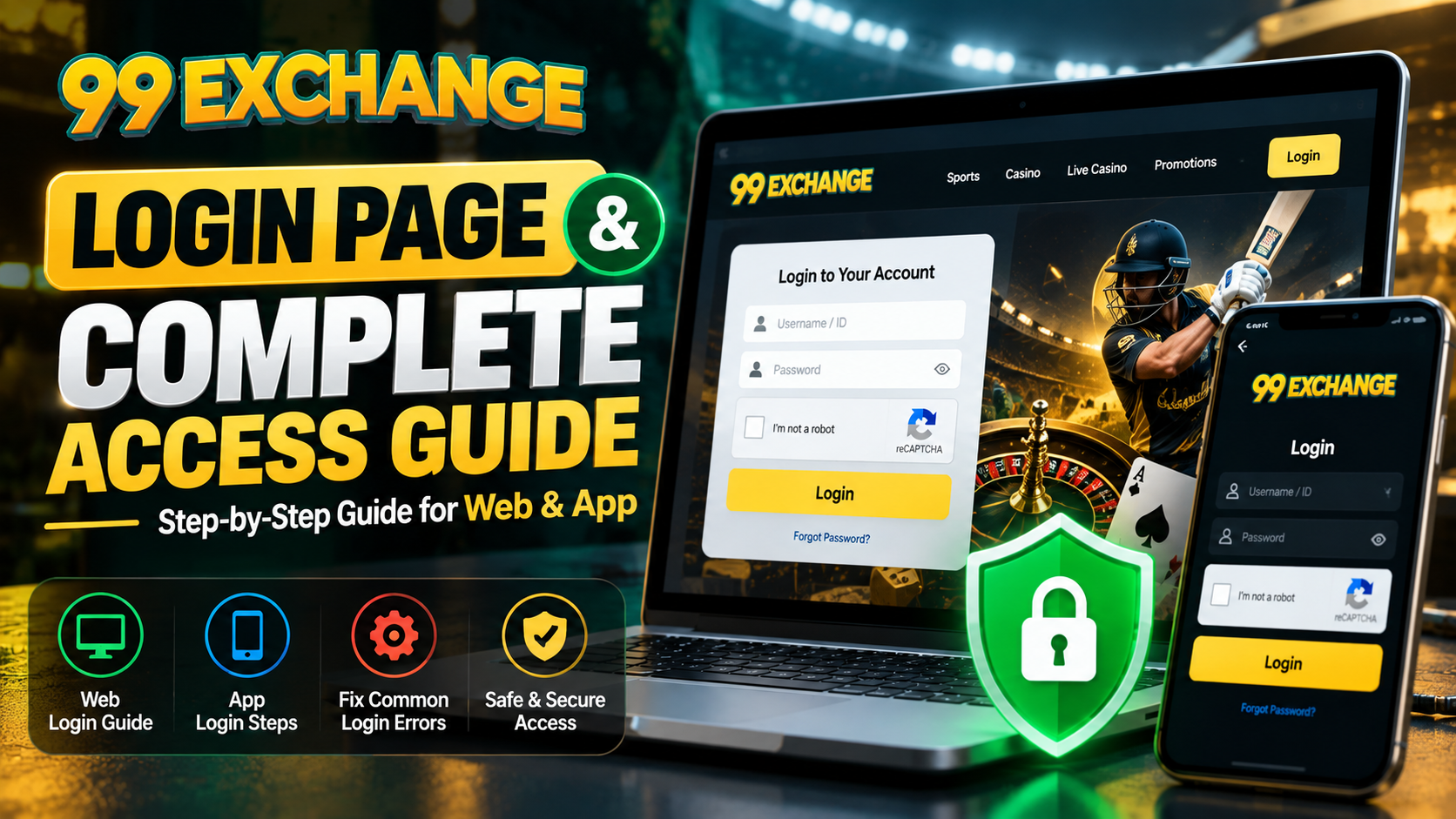
99 Exchange Login: Complete Access Guide
Everything you need to get into your 99 Exchange account on desktop, mobile or the Green panel — plus a fix table for the seven login errors our desk actually sees most.
Quick answer
To do a 99 exchange login: open the official site, tap Login in the top-right navigation, type your Client ID and password exactly as issued, complete the captcha, and press Log In. Your dashboard opens with your wallet balance, open orders and unsettled bets. It takes under 60 seconds and no extra software is required.
Direct link: go to the 99 exchange login page. Forgotten your password? The form has a Lost your password? link built in.
What the 99 exchange login page actually is
The 99 exchange login page is the single secure entry point to your account. It is not a separate product, and it is nothing you download. It is one page that asks for three things — your Client ID, your password and a captcha — and then hands you your dashboard. Everything after that is a normal trading session.
Whichever route you arrived on, this page is the complete reference for a 99 exchange login. It covers the browser route, the app route and the Green panel, and it ends with a fix table for the errors that stop people getting in. Bookmark it: most login problems repeat, and re-reading a table beats guessing at a password six times.
If you have never used an exchange-style platform before, it is worth two minutes of background. New users usually get the most out of the 99 Exchange basic information guide, which explains how a betting exchange differs from an ordinary sportsbook, or the beginner walkthrough for new users. The short version: on a sportsbook you back a price the house set. On an exchange you trade against other punters at a price the market set, which is why back and lay both exist and why the odds sit closer to fair.
One thing to clear up first. 99 Exchange, 99Exch and 99 exch are the same platform under different names: the same 99 exchange login page, the same wallet, the same market prices. If you have seen a different spelling, none of that changes how you sign in. Search for the official site, check that the address bar reads the 99 Exchange domain you registered on, and log in there.
What you need before you log in
Most failed 99 exch login attempts are not hacking attempts. They are a small mismatch between what is on your screen and what is on your account. Run through this list before you type a single character into the 99 exchange login form.
| You need | Where it comes from | Common mistake |
|---|---|---|
| Client ID / username | Issued by the account desk right after your first deposit clears | Typing it in the wrong case, or guessing a number instead of using the ID you were given |
| Password | Set at registration, or issued as a temporary password to change on first login | Still using the temporary password months later, or pasting it with a trailing space |
| The exact registered email or mobile number | Whatever you gave at sign-up | Using an old number you no longer have access to, so the reset code never arrives |
| A working UPI / IMPS handle | Your own bank app | Only relevant if you need to deposit or withdraw straight after signing in |
| Your registered UPI ID or bank details | Your bank records, matching the name on your account | A name mismatch is the number one reason a withdrawal is held for verification |
| 18+ and in a permitted region | You | Under-18 accounts are closed on detection. See the responsible gaming policy |
How to access 99 Exchange on desktop, step by step
This is the method we recommend for anything serious. A desktop browser gives you more screen width, so the market list, the bet slip and the exposure figure are all visible at the same time. You do not have to keep switching tabs to check your liability, which is the whole point of running a 99 exchange login on a proper screen rather than a phone held one-handed.
- Open the official site. Type the address directly, or use the 99 Exchange homepage from a bookmark you have saved. Avoid searching for a login link from a sponsored ad: a wrong destination is the most common route to a fake credential page, and it is the one situation where 99 exchange login wording gets weaponised against you.
- Click
Loginin the top-right navigation bar. On some browsers the WordPress admin bar can push it down, so if you cannot see it, scroll to the top of the page. - Enter your Client ID. Match the capitalisation exactly. Exchange Client IDs are frequently all lowercase.
- Enter your password. Watch for autocorrect on mobile, and for a stray space if you copied the password out of a chat window.
- Complete the captcha. The login form is protected by reCAPTCHA, so a background tab that has been sitting open for a few minutes may present an expired token. Reload the page rather than retrying the same token.
- Press
Log In. - Confirm you are in the right account. Check the Client ID shown in the top-right corner and the wallet balance before you place anything. This one habit prevents the most expensive mistake on an exchange: betting on the wrong account because a 99 exchange login dropped you into an old session.
If you prefer a single-paragraph version, the step-by-step 99 Exch login walkthrough covers the same path with screenshots for the mobile app specifically. Between the two, any 99 exchange login takes under a minute. The only thing that reliably slows one down is a password you did not save properly in the first place.
Once you are in, the next moves are usually funding your wallet and then learning how to place a bet on an exchange: back, lay, and why the lay side is the part most newcomers underuse. If you want to audit your own session later, how to check bet history on 99 Exchange shows where every settled and unsettled order is recorded.
How to access 99 Exchange on mobile
You have two options, and it is worth being clear about which one you actually want.
Option A: mobile browser
Open the site in Chrome or Safari and tap Login. Nothing to install, nothing to update, and if the app ever breaks you can still get in. This is the safer default for most people.
Option B: the Android app
The .apk build adds biometric unlock and holds up better on a patchy mobile connection during live in-play. Install by enabling “installation from unknown sources” in your phone settings, opening the downloaded file and choosing Install.
Install the app from the official source only. If you did not initiate the download from the official 99 Exchange page, or from a link your own account manager sent you, delete the file. No legitimate 99 exchange login flow on this platform requires you to install anything from a third-party site, and an app that asks you to “verify” your Client ID and password inside its own screen is a credential stealer.
Once the app is open, the 99 exchange login is identical to the browser version: same Client ID, same password, same captcha. If you enable biometric unlock, treat the device lock as the primary factor and your password as the backup, because a shared or borrowed phone is still the weakest link.
The 99 exch login form, field by field
There is not much to the form, which is exactly why it fails so often: people skip it. Here is every element on screen and what it actually does.
| Element | What it does | Watch out for |
|---|---|---|
| Username | Accepts your Client ID. This is the account identifier, not an email address. | Do not enter the name on your bank account or your email. It will be rejected as an unknown Client ID. |
| Password | Verifies you are the account holder. | Password fields usually mask input, so a transposed character looks identical. Use the visibility toggle if the page offers one, and retype from scratch rather than fixing one character at random. |
| Log In | Submits the credentials. | Clicking twice quickly on a slow connection can submit an empty second attempt and count as a failed login. |
| Lost your password? | Starts the standard reset flow using your registered email or mobile number. | This only works if you can still receive messages on the contact you registered. If you have changed numbers, use the account desk route instead. |
| Login Problem? Contact Support Here | Opens a direct chat with the 24/7 account desk. | This is the fast lane. Have your Client ID and your last deposit screenshot ready before you message. |
| reCAPTCHA | Stops automated credential stuffing attempts. | Tokens expire within a couple of minutes. An expired token is not a wrong password, so reload. |
Logging in to the 99 Exchange Green panel
Regular users eventually move to the 99 Exchange Green panel, the dedicated exchange interface that puts back, lay, unmatched orders and net exposure on one screen. It is not a separate account: the same Client ID and password open it, and the same 99 exchange login gets you in.
- Complete the normal 99 exchange login first, so your credentials are already active for the session.
- Open the Green panel from inside your own dashboard rather than from a search result or a forwarded link.
- Sign in with the same Client ID and password. If the panel appears blank, refresh before assuming a fault. The Green interface is heavy and a slow first paint is normal on older phones.
The reason traders like Green is layout, not new pricing. Market prices are identical to the standard interface. What changes is that your unmatched, matched and net exposure figures stay visible while you move, which is what makes a lay position manageable instead of frightening. If you have never traded both sides, read the betting exchange ID overview first, so the terminology is not new to you on your first lay bet.
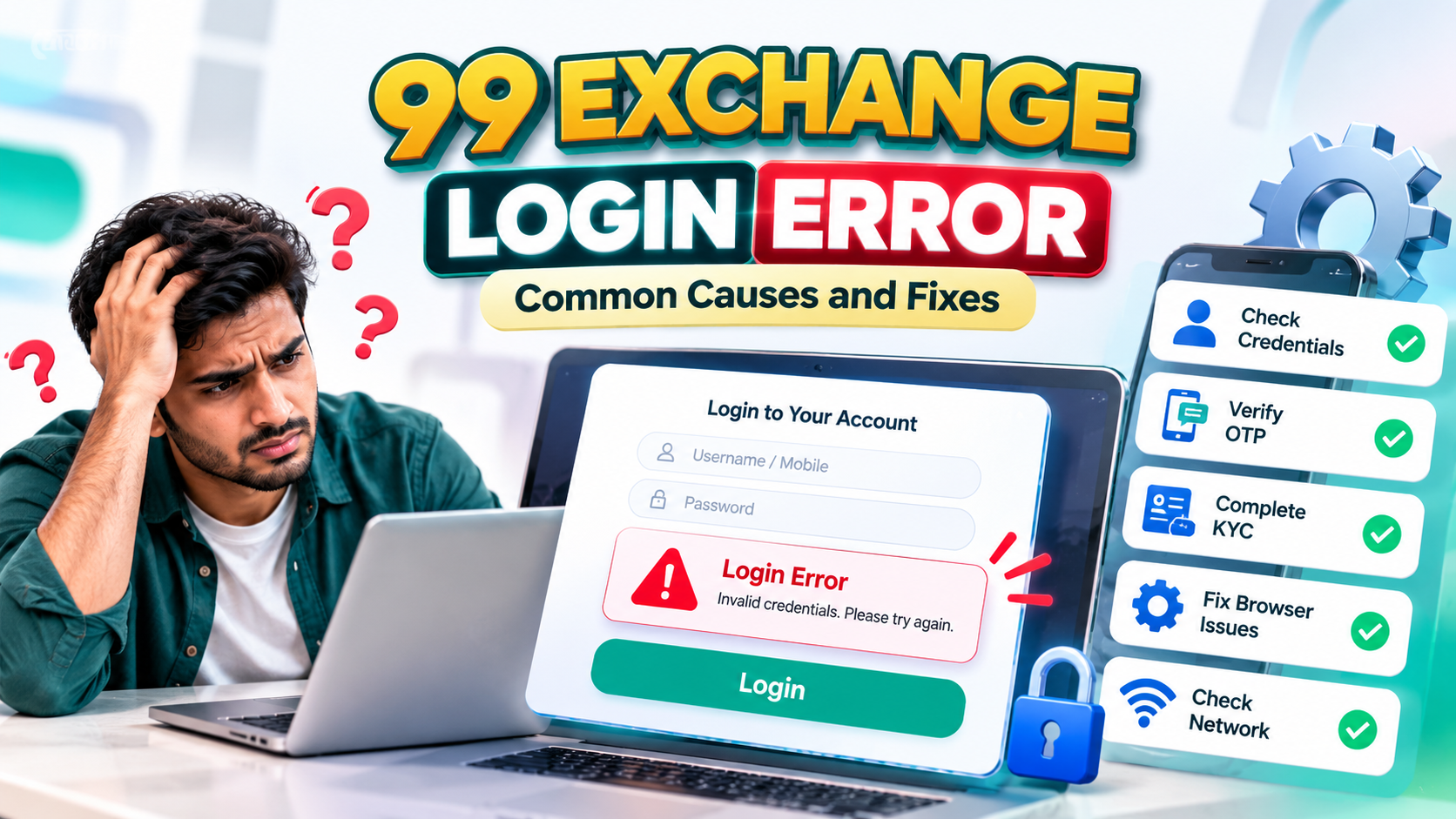
Error table: what broke and how to fix it
This is the section we would pin up. Every row is an issue our support desk actually receives, ordered roughly by how often it arrives.
| What you see | Likely cause | Fix |
|---|---|---|
| Invalid username or password | Case mismatch, a trailing space, or still using a temporary password | Retype the Client ID from the message it was issued in. Clear the password field completely and type fresh rather than editing it. |
| Captcha fails or loops | Expired reCAPTCHA token, a VPN or proxy, or an ad blocker interfering with the script | Reload the page, disable the VPN and ad blocker for the domain, then retry. Do not retry the same expired token. |
| Page will not load, spins forever | Stale cache, or a heavy interface on a weak connection | Hard refresh, clear site data, then try the browser version before the app. |
| Account locked or suspended | Too many failed attempts, or a pending KYC review | Stop retrying, because every attempt extends the freeze. Read our blocked account guide, then verify with support. |
| Login accepted, wallet shows zero | Header balance lagging, or a deposit still marked pending | Open the wallet and transaction history directly. If a deposit is pending, check the deposit troubleshooting guide and quote your UTR. |
| KYC pending, trading restricted | Identity document awaiting review | Check the document requirements in the KYC verification guide. Trading stays restricted until the review clears, and this is not a login fault. |
| Logged out during a live match | Duplicate sessions, or the session expiring after a long period away | Close every other tab and app running the account, then sign in once. If it keeps happening, ask support to extend your session. |
| Withdrawal request stuck after login | Bank gateway downtime, or a name mismatch on the payout details | See the withdrawal delay guide. Confirm the UPI ID or account name matches your 99 Exchange account exactly. |
| Bonus or offer not showing on the wallet | Offer conditions not yet met, or the credit still processing | Check your eligibility against the bonus troubleshooting guide before raising it. |
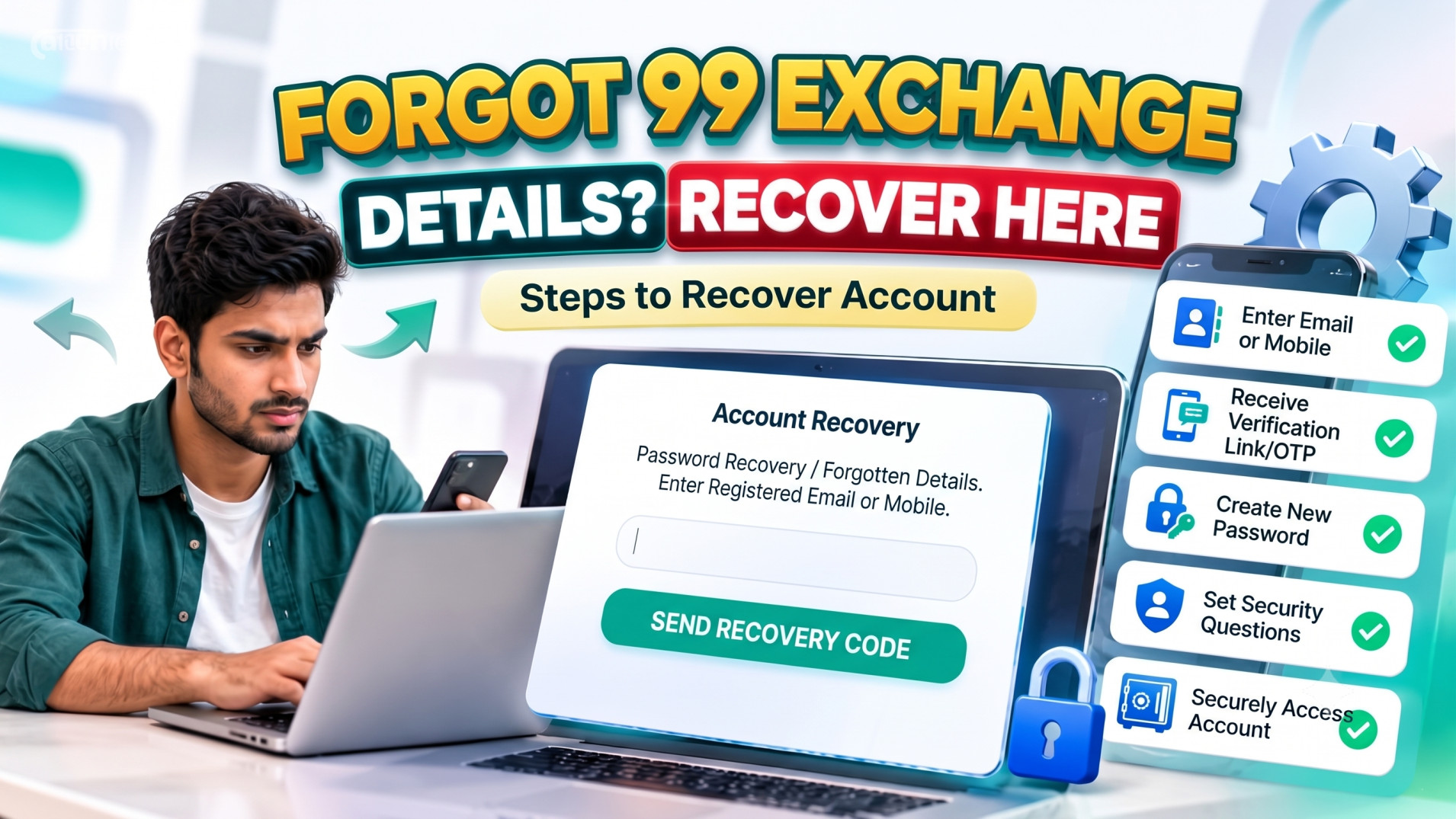
More detail on the most common of these lives in how to fix a 99 Exch login problem, and if a password reset is the blocker, the reset and change password walkthrough covers both the self-service and the agent-assisted route.
When to skip straight to support: the account is locked, the registered mobile number is no longer yours, your Client ID appears valid but nothing works after a full password reset, or you are mid-tournament and losing minutes. Send your Client ID plus your last deposit screenshot and you will usually get a same-session fix.
Keeping your 99 exchange login secure
A login page is only as strong as the account behind it. These are the habits that stop the overwhelming majority of account takeovers, and every one of them is free.
Never share your Client ID and password
Not with a friend, not with a “sube” offering a fixed tip, and not with anyone claiming to be from support in a chat you did not start. Legitimate 99 Exchange staff already have what they need to help you; they will never ask you to read your password out loud. This single rule prevents nearly every account takeover we see.
Turn on two-factor where it is offered
If your account has an authenticator or OTP option, enable it. It means a stolen password alone is no longer enough to reach your wallet, and it also stops the credential stuffing attempts that the reCAPTCHA is there to blunt.
Use a password that is not reused anywhere
The most common way betting accounts are taken is not a clever hack. It is a credential dump from an unrelated site. A unique password means a breach somewhere else is irrelevant to your exchange account. A passphrase of four or five unrelated words beats a mangled name-plus-year every time.
Keep the app off shared devices, and off rooted or jailbroken phones
A rooted device removes the protections that stop keyloggers reading what you type. A borrowed phone can keep your session alive after you hand it back. Biometrics are good, but only when the device is genuinely yours.
Watch the session, not just the balance
Log out when you finish rather than leaving the dashboard open on a shared computer. And once every few weeks, run a bet history check. If you see an order you did not place, log out, reset the password and contact support the same day. Early detection is what keeps a bad day from becoming a drained account.
How 99 Exchange handles your registration data is set out in the privacy policy, and the platform rules that govern account use are in the terms and conditions. Read both once before your first deposit: it is the fastest way to know what your account does and does not include.
If you do not have an ID yet
If you landed here looking for a 99 exchange login, you may not have a Client ID at all. Here is the honest version of how that works.
- Register. The 99 Exchange registration guide walks through the signup form: a name, a mobile number, an email and a password.
- Make your first deposit. The minimum starts at ₹100 via UPI, PhonePe, Google Pay, Paytm or IMPS. Confirm the receiver details with your account manager before you transfer, and keep the 12-digit UTR.
- Receive your credentials. Once payment is confirmed, your Client ID and password are issued, usually within a couple of minutes.
- Log in and change the temporary password immediately. This is the step people skip, and it is the one that matters.
The guide to getting your 99 Exchange ID covers this end to end, including the WhatsApp desk route that most first-time accounts use. If you want to understand the ID types before choosing one, the choosing an ID provider comparison is worth reading, because not every provider is the same and that difference becomes obvious the moment a withdrawal is delayed.
Once you are in and funded, the two most visited pages from here are usually cricket focused: cricket betting ID for market types, and IPL betting ID for tournament specific markets. Casino players tend to start with live casino ID instead.
Play responsibly after you log in
Logging in is the easy part. The honest part of this guide is that a 99 exch login gives you instant, uninterrupted access to live markets at any hour, and exchange mechanics make it easier to stay longer than you intended. A lay position feels like work, and work does not feel like gambling.
A few things worth building into the habit:
- Set deposit limits before your first deposit, not after a bad session. Limits decided in the moment are not limits.
- Decide your session length before you open the markets, and use session reminders.
- Treat staking as a cost, not a deposit. Money sitting in your exchange wallet is money already committed.
- Never chase. Chasing a lay loss by adding exposure is the fastest route to the withdrawal problems listed above.
- Take a real break after a losing run. In-play cricket moves every few seconds, which makes it very easy to stay engaged without actually deciding anything.
99 Exchange is for users aged 18 and over, and only in regions where online betting is lawful. Rules differ by state and change without notice, so check your own local position before you deposit. The full policy, including deposit limits and session tools, is in the responsible gaming page. If gambling stops being fun, step away and use a self-exclusion service in your region.
Frequently asked questions
What is the 99 exchange login page?
How do I log in to 99 Exchange?
Why is my 99 exchange login failing?
How do I reset my 99 Exchange password?
Why was my 99 Exchange account locked?
Can I log in to 99 Exchange on two devices at the same time?
My balance shows zero after logging in. What should I do?
Do I need to log in to 99 Exchange on a mobile app?
Related 99 Exchange guides
If something in this guide did not quite fit your situation, these are the pages that pick up where it stops.
- How to login to 99 Exchange and access your betting accountStep-by-step walkthrough, including the mobile app path
- Fix a 99 Exch login problemLonger troubleshooting guide with causes and remedies
- Reset or change your 99 Exchange passwordSelf-service and agent-assisted reset routes
- 99 Exchange account blockedWhy accounts freeze and how to get them unlocked
- KYC verification problemDocument requirements and review timelines
- How to get your 99 Exchange IDFrom registration to credentials in hand
- Register on 99 ExchangeThe signup form explained field by field
- How to deposit on 99 ExchangeUPI, IMPS, PhonePe and Google Pay walkthrough
- Withdraw money from 99 ExchangeWhat to enter and how long settlement takes
- How to place a bet on 99 ExchangeBack, lay and exposure explained
- Check your bet historyAudit settled and unsettled orders
- Deposit not workingWhy the credit is pending or missing
- Withdrawal delayGateway downtime and payout troubleshooting
- Bonus not receivedEligibility and credit timing
- 99 Exchange: basic information and common questionsBackground reading on how the exchange model works
- What is 99 Exchange? A guide for new usersStart here if this is your first month
- Betting exchange IDWhat the ID is and why the format matters
- Cricket betting IDMatch winner, toss, session and player markets
- IPL betting IDTournament specific markets explained
- Live casino IDLive dealer tables and card classics
- Best betting ID providerHow to compare providers before you commit
- Responsible gaming policyDeposit limits, session reminders and the 18+ rule
- About 99 ExchangeWho operates the platform
- Contact 99 ExchangeSupport channels and response times
- Privacy policyHow your registration data is stored
- Terms and conditionsThe platform rules that govern your account
- All 99 Exchange guidesThe complete help library
About this guide
Written and maintained by the 99 Exchange Support Desk
This guide is written by the team that answers the 24/7 account desk, not by a content agency. Every troubleshooting step here is one our agents have walked a customer through in a live chat, and the error table is ordered by how often each issue actually reaches us rather than by how it reads.
How we keep it accurate: the login flow, the form fields and the support channels are re-checked against the live site before publication, and re-verified quarterly or sooner if a platform update lands. The date at the top of this page is the last time that happened. If you find something out of date, tell us through the contact page and we will correct it.
Platform background sits alongside the About page, the terms and conditions and the privacy policy. Nothing here is financial, legal or tax advice, and no part of this page promises a return from trading.
Sources referenced
- Live 99 Exchange login page and site navigation, verified 28 September 2026.
- 99 Exchange support desk internal case log for login and access failures, August to September 2026.
- The login problem guide and the reset or change password guide on this site.
- The 99 Exchange responsible gaming policy.